.msg and .eml
An email can be saved from Outlook as a file in one of two forms:
- .msg is the file classic Outlook saves a message as.
- .eml is the standard file format for an email, used by many email programs. The new Outlook saves messages as .eml.
Both hold the message, its header details and its attachments. Keep them: they are your originals, and they record details a PDF doesn’t.
1. Save the emails as files
- Classic Outlook: open the message, choose File, then Save As, pick a folder and save.
- New Outlook: open the message, choose More actions at the top right of the message, then Save as.
Microsoft’s help on saving an email message shows both. Give each file a name that sorts sensibly, such as the date followed by the subject.
2. Print each email to PDF
Outlook makes a PDF by printing to Windows’ built-in PDF printer:
- Classic Outlook: open the email, choose File, then Print. Under Printer, choose Microsoft Print to PDF, choose Print, then name the file and save it.
- New Outlook: open the email, choose the View tab, then Print, and Print again in the preview. Choose Microsoft Print to PDF, then Print, and save.
Microsoft sets these out in save a message as a PDF in Outlook. Check the PDF shows who it is from, who it was sent to and copied to, when it was sent and the subject, because the court will want those.
3. Convert the attachments
Printing the email does not include its attachments. For each one:
- save it from the email to a folder;
- open it in its own program and save or print it as a PDF: Word documents from Word, spreadsheets from Excel, pictures from a picture viewer;
- for a spreadsheet, check every column made it onto the page, and that wide sheets haven’t been split across pages you didn’t expect;
- for an email attached to the email, go back to step 2 for it, and then do its attachments too.
4. Put each email and its attachments together
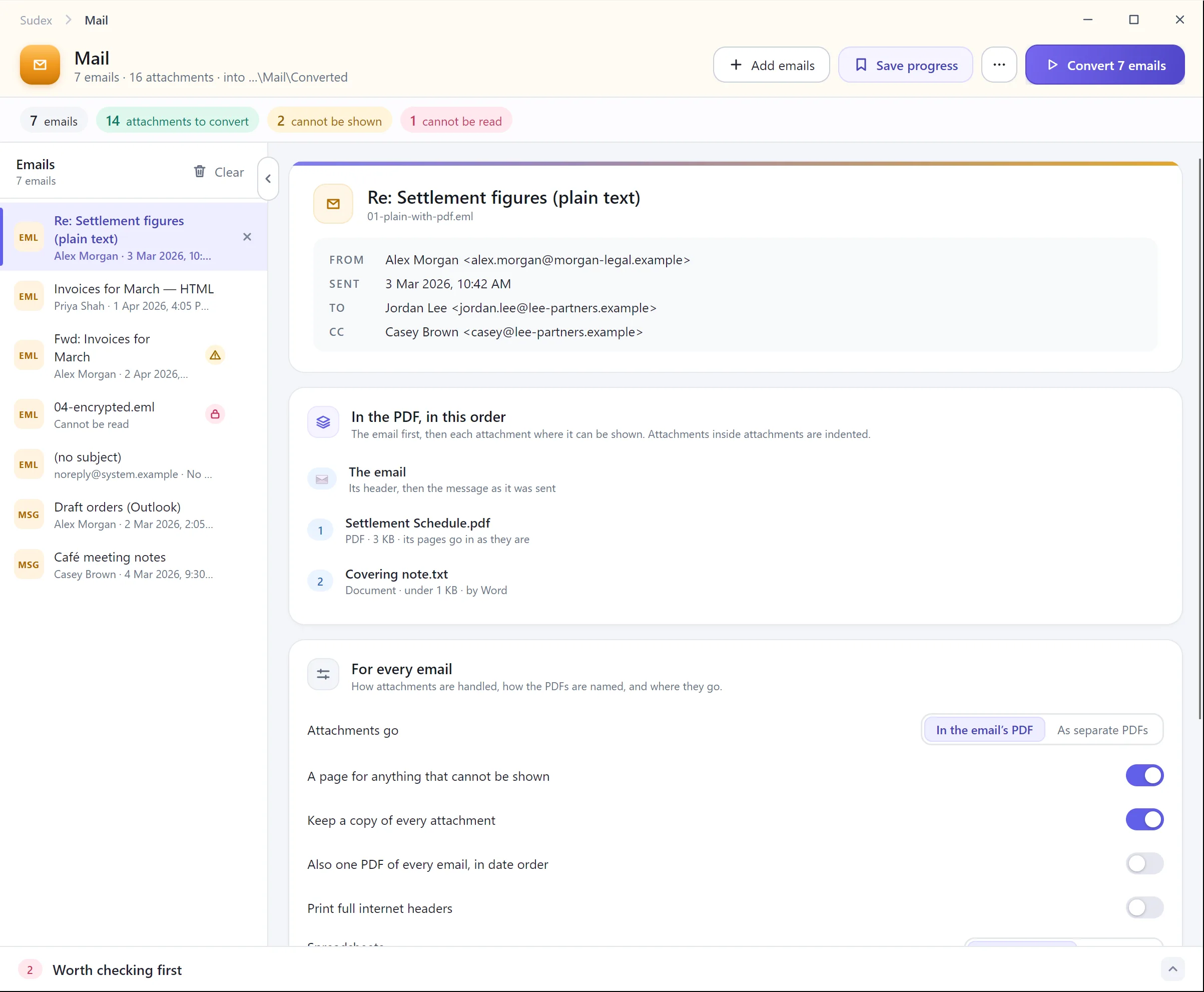
With a PDF editor, combine the email’s PDF with the PDFs of its attachments, in the order the email lists them, and add a bookmark for the email and each attachment. If an attachment can’t be converted, such as a video or a damaged file, put in a page saying what it was and why it isn’t shown, rather than leaving it out silently.
5. Check nothing is missing
For each email, compare the finished PDF with the list of attachments in the email. Count them. Make a note of anything that couldn’t be converted, and keep the original files with the PDFs.
What tends to go wrong
- winmail.dat. Some emails sent from Outlook arrive with their attachments packed inside a single file called winmail.dat. The real attachments are inside it and need unpacking first.
- Pictures in the message. Logos and pictures pasted into an email can look like attachments, or be missed when they are real ones. Decide which belong in the bundle.
- Emails inside emails. A forwarded email attached to another has its own attachments, which are easily missed.
- Copies. The same email saved twice, from two mailboxes, ends up in the bundle twice.
- Long threads. The latest email in a thread often repeats the earlier ones. Agree whether each email goes in on its own or only the latest.
With Sudex