Guide
How to use Sudex.
Every tool, step by step, in the words you will see on the screen. Start with the basics, or go straight to the tool you need.
Updated 30 October 2026. The PDF has the same words, for printing or keeping beside you: A4, 93 pages, 11.7 MB.
Index
19 chapters
AStart here
BBundles
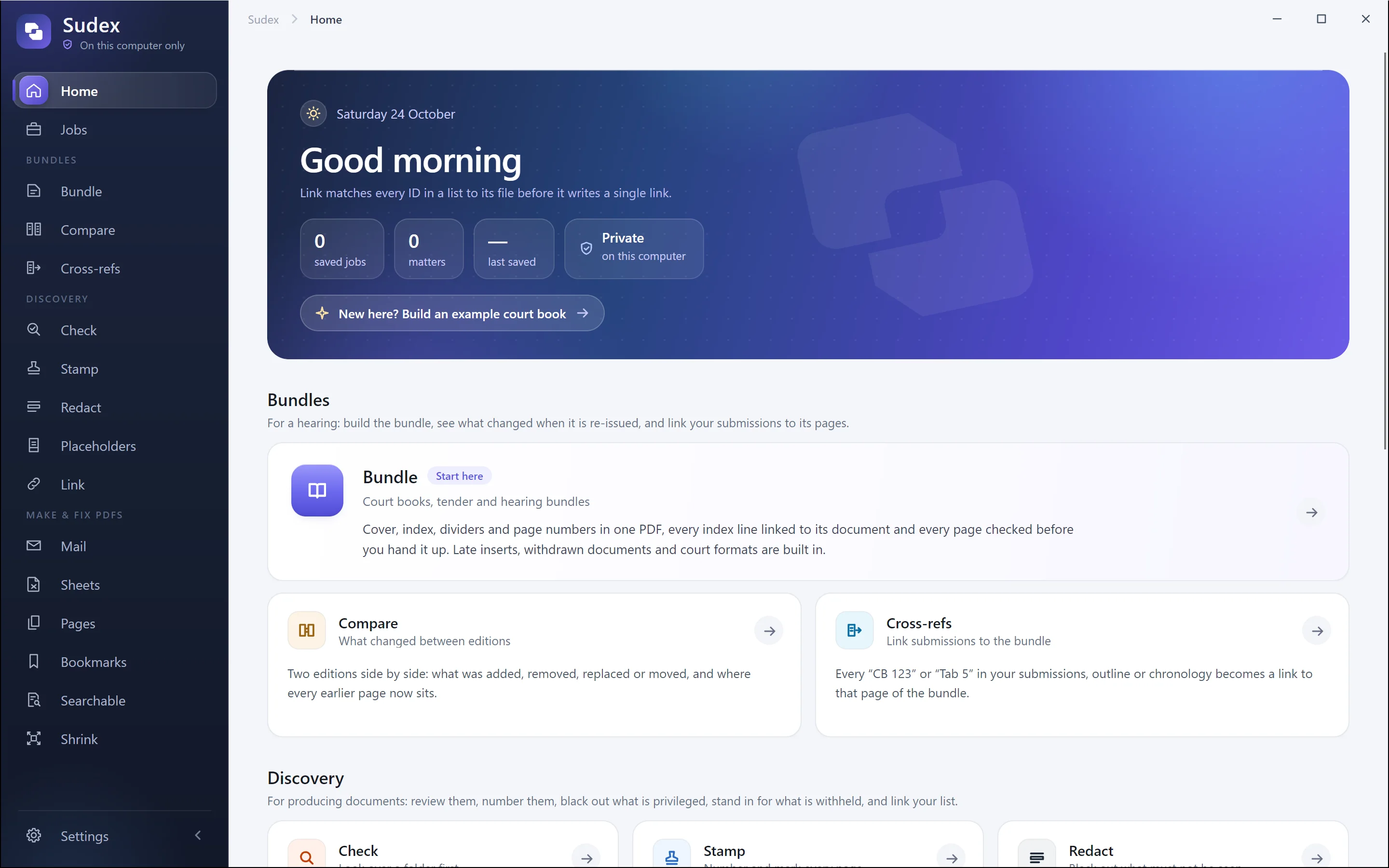
- 03BundleBundle turns your documents into one court book PDF with a cover, index, dividers, page numbers, bookmarks and links, then checks the finished file.
- 04CompareCompare sets two editions of a bundle side by side and lists what was added, removed, replaced, withdrawn or moved, with where every old page is now.
- 05Cross-refsCross-refs turns references such as “CB 123” or “Tab 5” in your submissions into links that open the bundle at that page.
CDiscovery
- 06CheckCheck lists every file in a folder with its pages, size and authors, and flags anything worth a look before the documents go anywhere.
- 07StampStamp puts production numbers, document IDs, page numbers or words such as CONFIDENTIAL on every page of a set of documents, as new PDF copies.
- 08RedactRedact makes a copy of a PDF with the boxes you draw blacked out for good: those pages become pictures, so nothing is left under the black.
- 09PlaceholdersPlaceholders makes a one-page PDF for each document not produced, saying which document it stands for and why.
- 10LinkLink turns the document IDs in a Word or Excel list into links that open each document, in a checked copy of the list.
DMake and fix PDFs
- 11MailMail turns saved emails into PDFs, each email followed by its attachments in the order the email lists them.
- 12SheetsSheets turns Excel workbooks into PDFs, spreading wide sheets over more pages rather than shrinking the text too small to read.
- 13PagesPages lets you turn, take out, reorder, crop and straighten the pages of PDFs, split one into parts or join several into one, and save the result as new files.
- 14BookmarksBookmarks gives one PDF a set of bookmarks, kept, made from its pages, imported from a list or typed in, and saves a bookmarked copy.
- 15SearchableSearchable reads scanned PDFs with the text recognition built into Windows and saves copies whose words can be searched, selected and copied.
- 16ShrinkShrink makes PDFs of scans and photographs smaller by redrawing pictures kept finer than needed, leaving the words untouched, and can split a file into parts under an upload limit.