The court’s own documents
- General guidance on electronic court bundles29 November 2021, replacing the guidance of May 2020
- Preparing Court Bundles for Family Proceedings: Guide for Litigants in PersonThe judiciary’s notice of 2 March 2026, on family proceedings
This page explains them; it doesn’t replace them. A court’s orders in your matter, and any direction from chambers, come first.
When it applies
The general guidance on electronic court bundles was issued by the judiciary of England and Wales to give some consistency to e-bundles for court hearings. It does not cover tribunal hearings. Since 2 March 2026 it no longer applies in family proceedings, where Practice Direction 27A sets the rules: see our guide to family court bundles. It is subject to any specific guidance from a particular court, and to directions in your case, so check those first: for example, Practice Direction 52C for the Court of Appeal (Civil Division). Scotland and Northern Ireland have their own rules.
The bundle itself
An e-bundle must be a PDF. Where a core bundle is needed, make it a PDF too, meeting the same requirements as a paper core bundle.
Page numbers
Every page is numbered by computer, not by hand. Numbering starts at 1 on the first page of the bundle, whether or not that page is part of the index, and runs in order to the last page. That way the numbers on the pages match the PDF’s own page numbers. If a paper copy is made, its pagination must match the e-bundle.
Index links and bookmarks
- Every entry in the index is hyperlinked to its document.
- Every section, and every significant document, is bookmarked with a short description.
- Each bookmark should include the document’s page number.
Searchable, readable pages
- Text recognition. Any page with typed text that wasn’t created as an electronic document, such as a scan, must go through OCR so its text can be searched, highlighted and copied.
- Orientation. A page made in landscape should appear in landscape, readable left to right, and no page should be upside down.
- Zoom. The default view for every page should be 100%.
- Resolution and size. The bundle should be no more than 300 dpi, so it scrolls and renders quickly, and optimised so the file is no bigger than it needs to be.
How many bundles
Think about how many bundles you need. The guidance says it is usually better to have one hearing e-bundle and, where appropriate, one separate authorities e-bundle, prepared to the same requirements, than several bundles. Follow any guidance for your particular court on this too.
Adding pages later
If the bundle needs more material after it has gone to the judge, add the new pages at the end, numbered on from the last page, and ask the court how best to provide them. Unless directed otherwise, send the judge both the new section on its own and the whole revised bundle, because the judge may already have marked up the original.
Naming and sending it
- File name. Include the case reference, a short form of the case name and what the bundle is, such as “CO12342021 Carpenters v Adventurers Hearing Bundle” or “… Authorities Bundle”.
- Email. For justice.gov.uk addresses, the email and its attachments together can be no more than 36 MB; anything larger is rejected. Put the case number, short case name, hearing date and judge’s name, if known, in the subject line.
- Uploading. Send the bundle as the court directs. A bundle that would be emailed but is too large for one email can go to the Document Upload Centre by prior arrangement with the court.
Litigants in person
Usually the applicant prepares the bundles. An applicant without a lawyer should still meet these requirements if at all possible. If they can’t, they should explain why to the court well before the hearing and, where possible, suggest a practical way round it. If the other party has a lawyer, that party should consider offering to prepare the bundle.
With Sudex
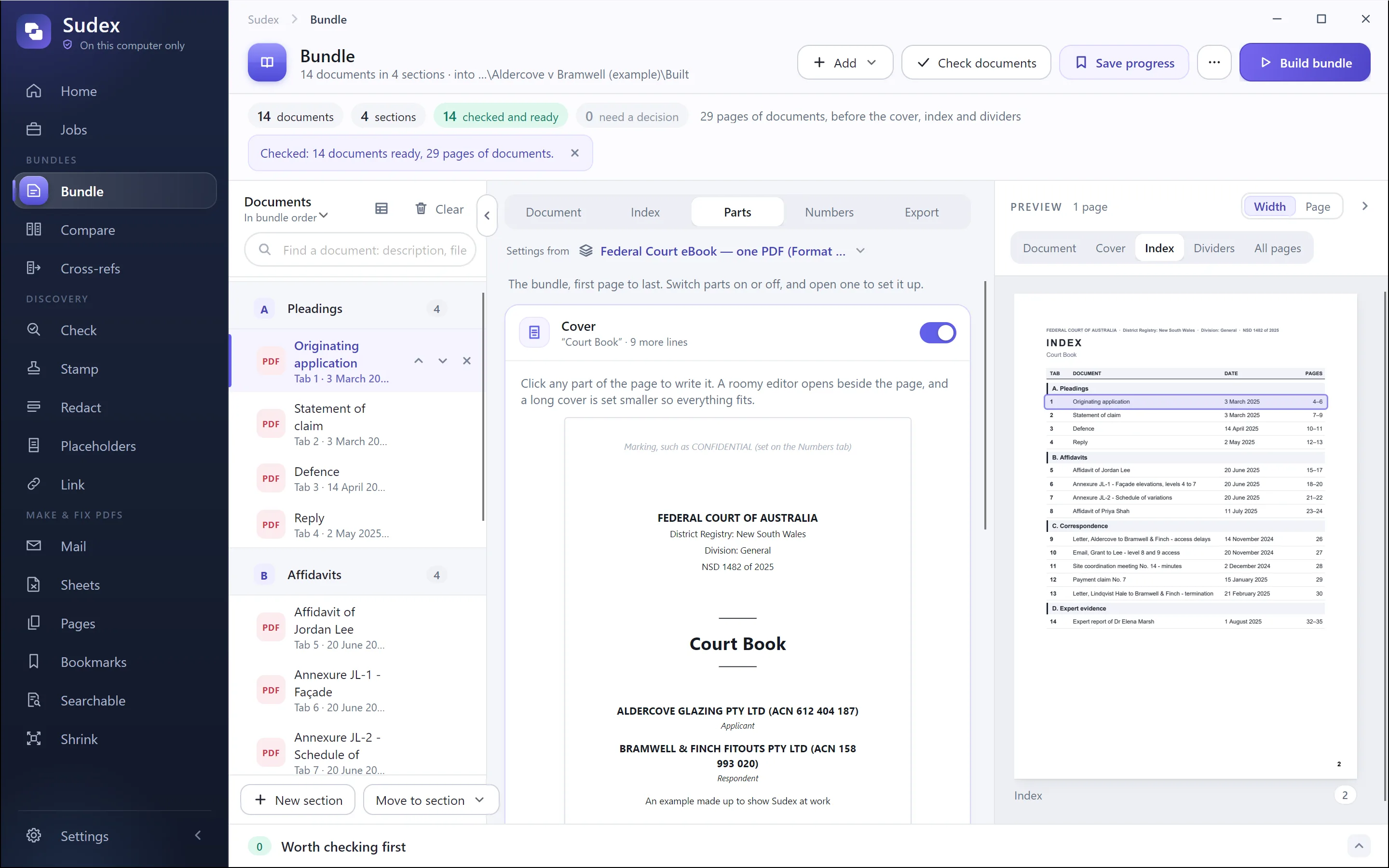
For any court, our guide on how to prepare a court bundle goes step by step. Free: number a bundle’s pages in your browser, and a court bundle index template for Word and Excel.
Sudex’s templates for this court, and for other courts in United Kingdom, are listed on United Kingdom: court templates.