Bundles
Everything a bundle needs, done for you.
Court books, tender bundles, hearing bundles and appeal books. Add your documents, check the order, and build. Sudex makes the cover, index, dividers and page numbers, links it all together, and checks the result.
Pages that look the part.
Plain, well-spaced pages that read well on paper and on screen. Choose the parts you want, and Sudex fills them in.
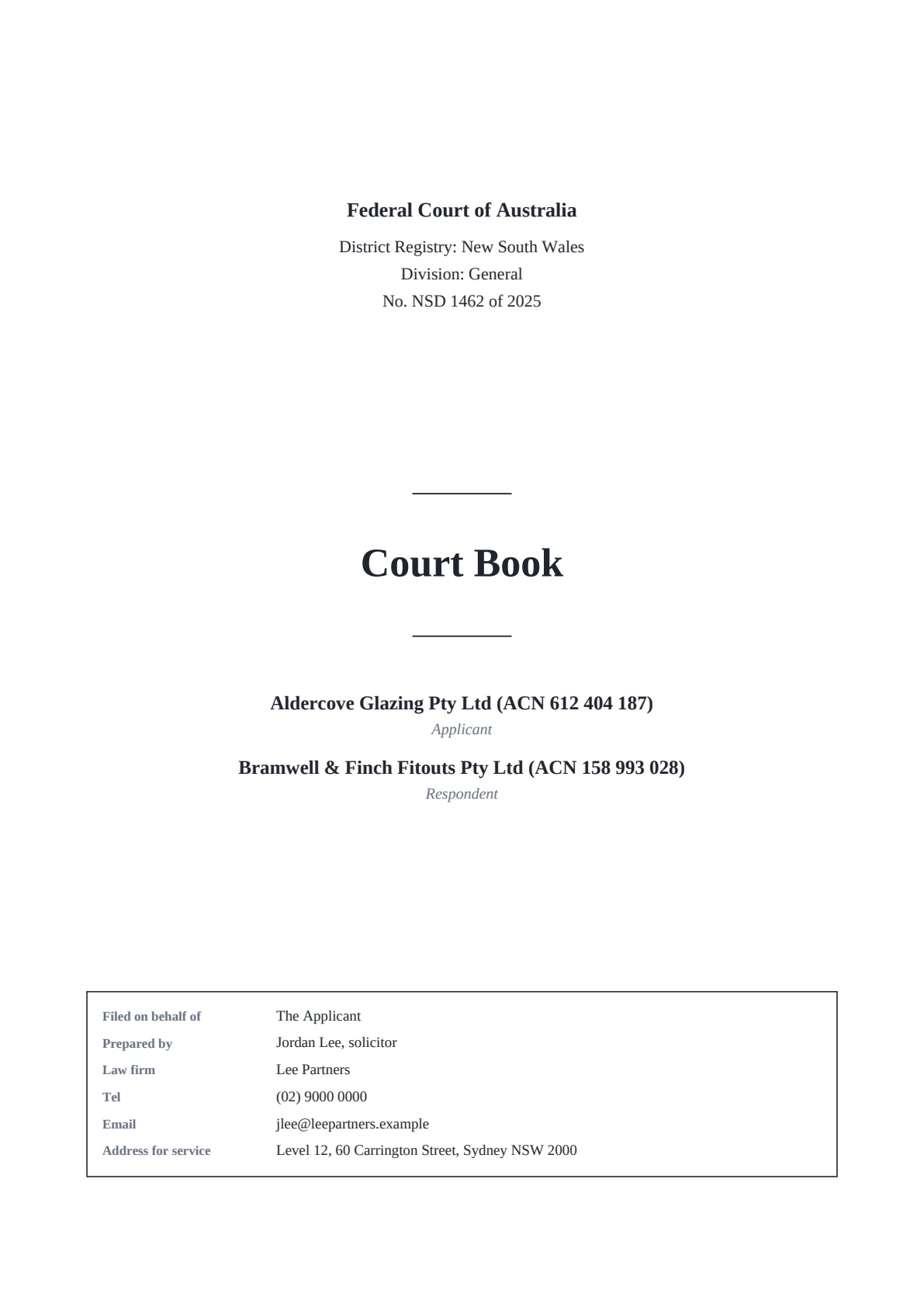
CoverCover
Court, parties and file number, with the filing box at the foot.
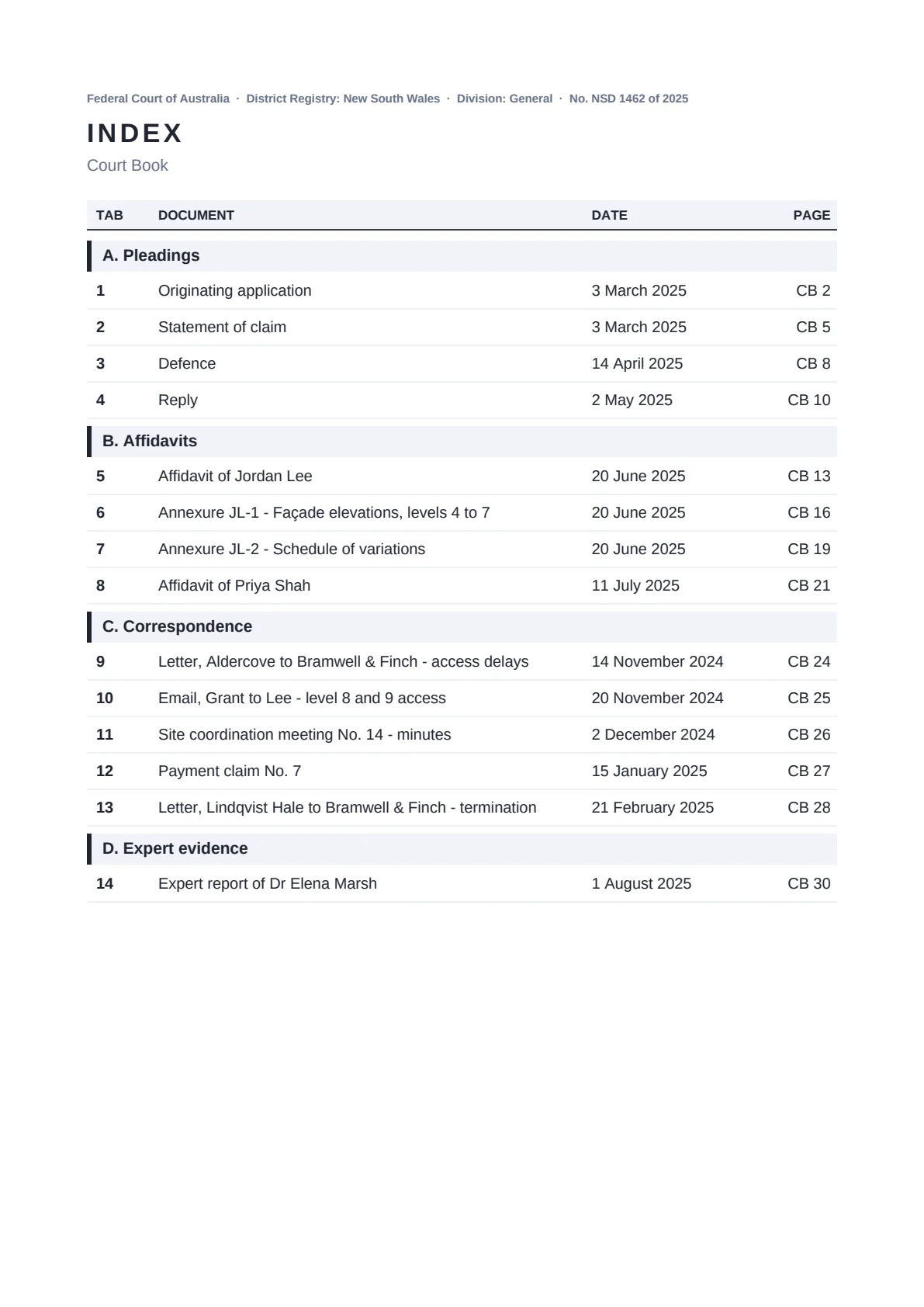
IndexIndex
The columns you choose, every line linked.
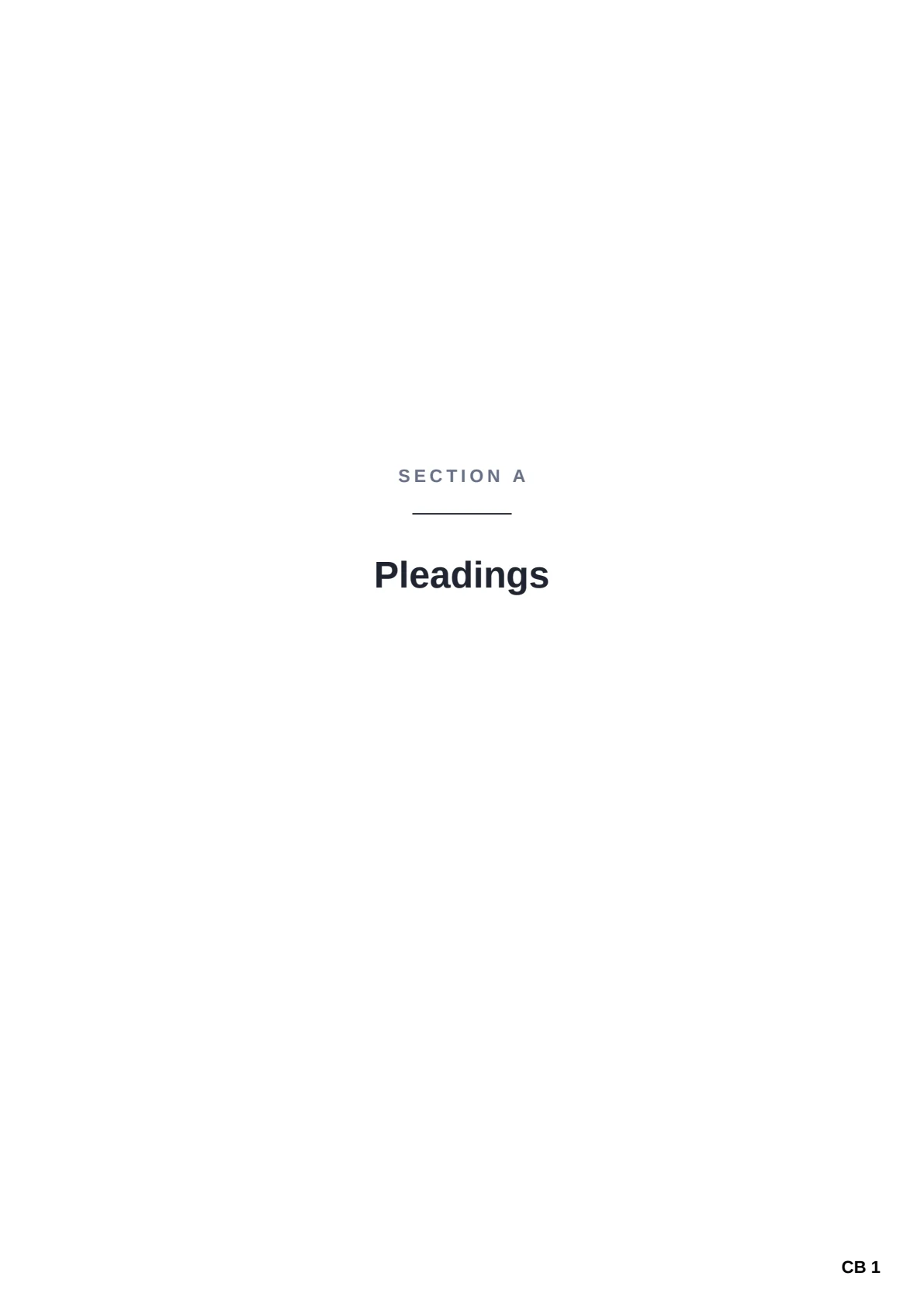
DividerCB 1
One for each section, or each tab.
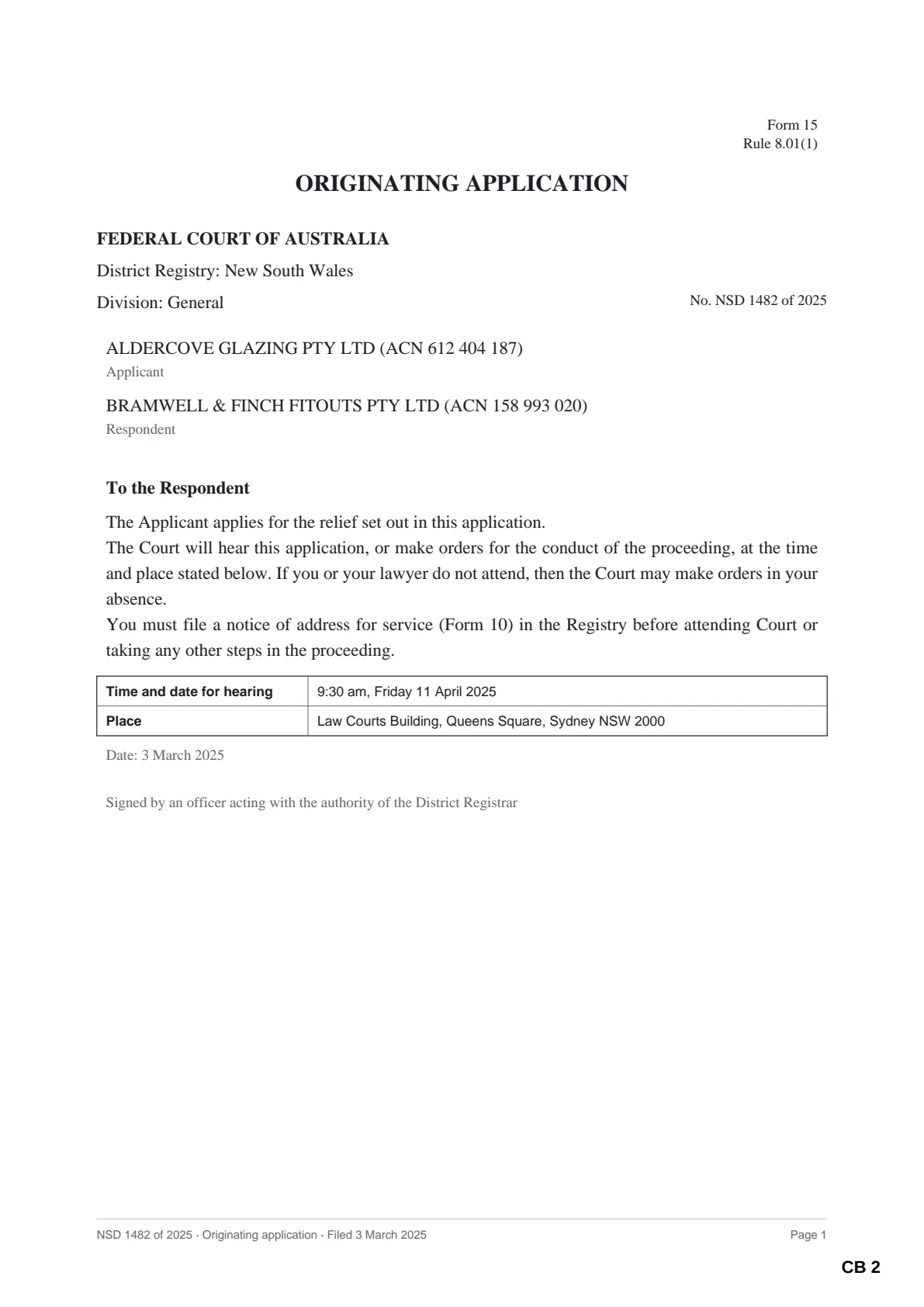
DocumentCB 2
As filed, numbered clear of the text.
From a folder of documents to a finished bundle.
Getting your documents in
- Drag in a folder — each subfolder becomes a section, and folders inside those become sub-sections (A.1, A.2)
- Or start from a list of documents you already have in Excel, Word or CSV
- Word documents, spreadsheets, PowerPoint slides, emails and pictures are turned into PDFs for you
- Descriptions and dates are taken from the file names, and you can change any of them
- Or let Sudex read them from the documents themselves — an email’s subject, sender and date, a letter’s heading and date — and show you before anything changes
- Put a section in A to Z order in one click, such as a list of authorities
The finished bundle
- A cover with the court, the parties and the file number, set in a modern or traditional type, with the filing box (filed on behalf of, prepared by, address for service) and your firm’s logo
- An index with the columns you choose — tab, date, description, pages — every entry linked to its document
- Divider pages for each section, or for every tab
- Page numbers on every page, with your own prefix such as “CB”, starting where you choose
- Bookmarks down the side, so the bundle is easy to find your way around on screen
- Very large bundles split into volumes — by pages, or under an upload limit such as 30 MB — with the index still linking between them
- Page labels, so typing “45” in a PDF reader goes to the page stamped 45
- Or one PDF for each document, in a folder for each section, with an index whose lines open them, as the Federal Court of Australia’s Format 1 asks
- A chronology of the documents, an index as Excel or Word, spine labels for the folders and tab labels to cut out, if you want them
- Or your own index, from Word or PDF, in place of the one Sudex writes, with each line linked to its document
- Scans made searchable as the bundle is made, and a watermark such as DRAFT, or your firm’s logo, faint on every page
- In a book of authorities, extracts of legislation marked with the date they are in force at
Nothing slips through
- See every page before the bundle is made
- A document that can’t go in as it is is never quietly dropped: you choose a placeholder page or to leave it out, and the reason is noted
- After building, Sudex checks every page number, page label, bookmark and index link
- Your original files are never changed, and Sudex checks that too
Quicker every time
- Save the way you like your bundles as a template, and use it on the next matter
- Share a template with colleagues as a small file, or keep the firm’s templates in a shared folder where only they can be changed
- Save your progress and come back to it later, exactly as you left it
- Works for bundles, tender bundles, hearing bundles and appeal books alike
- Ready-made templates for courts in Australia, the UK, Ireland, Canada, the US, New Zealand, Singapore and Hong Kong, plus books of authorities and annexures
The second edition, and the third
- A document that arrives late can go in as 45A without renumbering the rest, so references to the earlier edition still work
- Withdraw a document and its tab stays, marked withdrawn, so nothing moves; mark one as subject to objection, with a note in the index
- Swap in a corrected version of a document, keeping its place, tab and description
- Compare two editions to see what was added, removed, replaced or moved, and where every old page is now
- Link “CB 123” in your submissions to that page of the finished bundle
Ready for your court.
Templates set up the way each court asks. Check each against the practice note and any orders in your matter.
Not a bundle?
Sudex also has smaller tools for the rest of a matter: checking a folder before it goes out, fixing up PDFs, scans and big files, emails and spreadsheets as PDFs, numbering for discovery, bookmarks, linked briefs to counsel, and redaction that removes what it covers.
Free, in your browser: page numbering for one PDF, and a court bundle index template.
Your next bundle, built and checked in minutes.
Download Sudex and try every tool free for 30 days, on your own documents. No card needed.